











Company coverage
ThreadKore featured in Hypepotamus
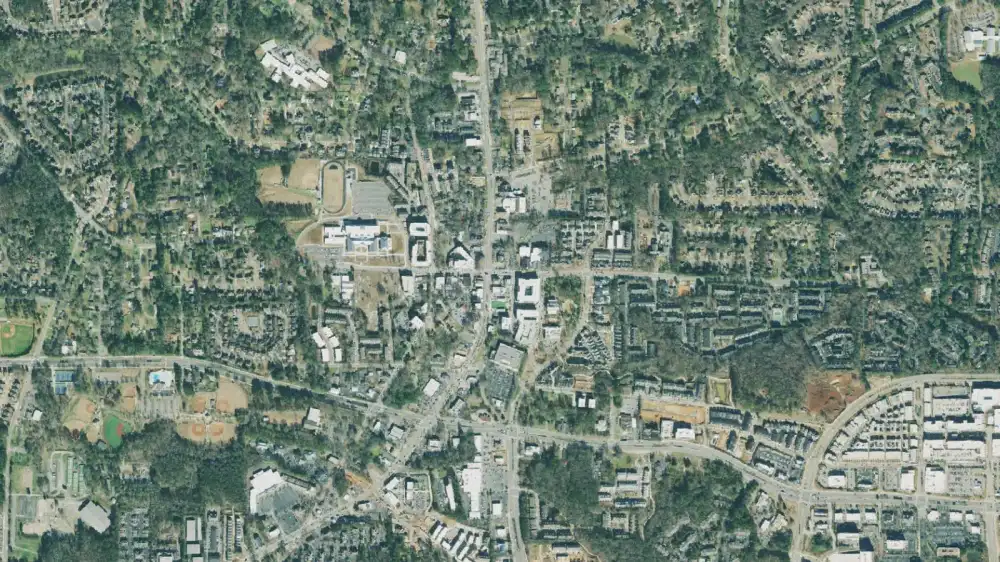
Coverage of ThreadKore’s growth, move to Alpharetta, and connected software platform for homebuilders.
Read the article
The Builder’s Operating System.
One connected platform for homebuilders. Sales, purchasing, construction, selections, and native accounting, working from the same record.
Know where every home stands, what it should earn, and what needs attention.
One Record. Infinite Intelligence.
Platform detailsThreadKore is the Business Operating System for homebuilders: a complete homebuilder ERP with native accounting and job costing, plus CRM, website design and hosting (WebLaunchAI, in beta), customer experience and Orbit AI, on one web-native platform and one shared record.
ThreadKore’s AI connection layer.
Smarter with every build.
Reviewers were not paid or given special pricing in exchange for these testimonials.
WORKING EXAMPLES
Follow a question from problem to decision.
Illustrative walkthroughs · Sample data.
The problem
Expected result
The sale price alone does not tell you what the home should earn. Projected home margin includes the costs to build, hold, and sell the home.
ILLUSTRATIVE EXAMPLE
What you do in TK
Review the movement
Review the home’s budget, commitments, invoices, and projection. Open purchasing and job-cost detail to investigate a change.
ILLUSTRATIVE EXAMPLE
What you see
Revised expectation
Budgets, commitments, invoices, and projections update together as work is recorded. Compare the revised expectation with the original target, keeping each record’s status clear.
ILLUSTRATIVE EXAMPLE
The decision it supports
Choose the next action
Decide whether to revise scope, pricing, purchasing, or the estimate for the next home. A projection supports a decision; it does not guarantee profit.
ILLUSTRATIVE EXAMPLE
The problem
Two different questions
A home can be profitable on paper while the business still needs cash to keep work moving.
ILLUSTRATIVE EXAMPLE
What you do in TK
Review the business
Review the cash outlook alongside the construction and financial information behind your homes.
ILLUSTRATIVE EXAMPLE
What you see
Plan with context
Anticipate cash needs and expected funding using connected construction and financial information.
ILLUSTRATIVE EXAMPLE
The decision it supports
Make the next decision
Decide which funding conversations and operating priorities need attention before committing to more work. Review the outlook as conditions change.
ILLUSTRATIVE EXAMPLE
The problem
Illustrative WIP review
A work-in-process balance is a starting point. You need to understand the homes and recorded transactions behind it.
ILLUSTRATIVE EXAMPLE
What you do in TK
Follow the records
Review the job and transaction detail in BuildingBlocks. Compare posted entries with the related purchasing and invoice records.
ILLUSTRATIVE EXAMPLE
What you see
Understand the status
Separate committed work, received invoices, posted accounting entries, and payments. Submitting an invoice does not mean it has been paid.
ILLUSTRATIVE EXAMPLE
The decision it supports
Resolve the question
Investigate an unexpected balance, resolve coding or supporting-document questions, and determine any correction with accounting. WIP cleanup means understanding and resolving balances; it does not automatically release cash.
ILLUSTRATIVE EXAMPLE
The problem
Requested selection
A different kitchen finish affects the buyer’s price, the purchasing scope, and the home’s expected cost.
ILLUSTRATIVE EXAMPLE
What you do in TK
Review before committing
Record the choice in the home’s design and pricing context. Review pricing and approval, then update the scope and purchasing records for the agreed work.
ILLUSTRATIVE EXAMPLE
What you see
Follow the change
Follow the selection into purchasing, construction context, and job cost. The cost difference remains visible alongside the budget; a commitment is not a payment.
ILLUSTRATIVE EXAMPLE
The decision it supports
Agree the handoff
Confirm the buyer’s agreement, coordinate the revised work, and review whether the change affects the home’s expected margin.
ILLUSTRATIVE EXAMPLE
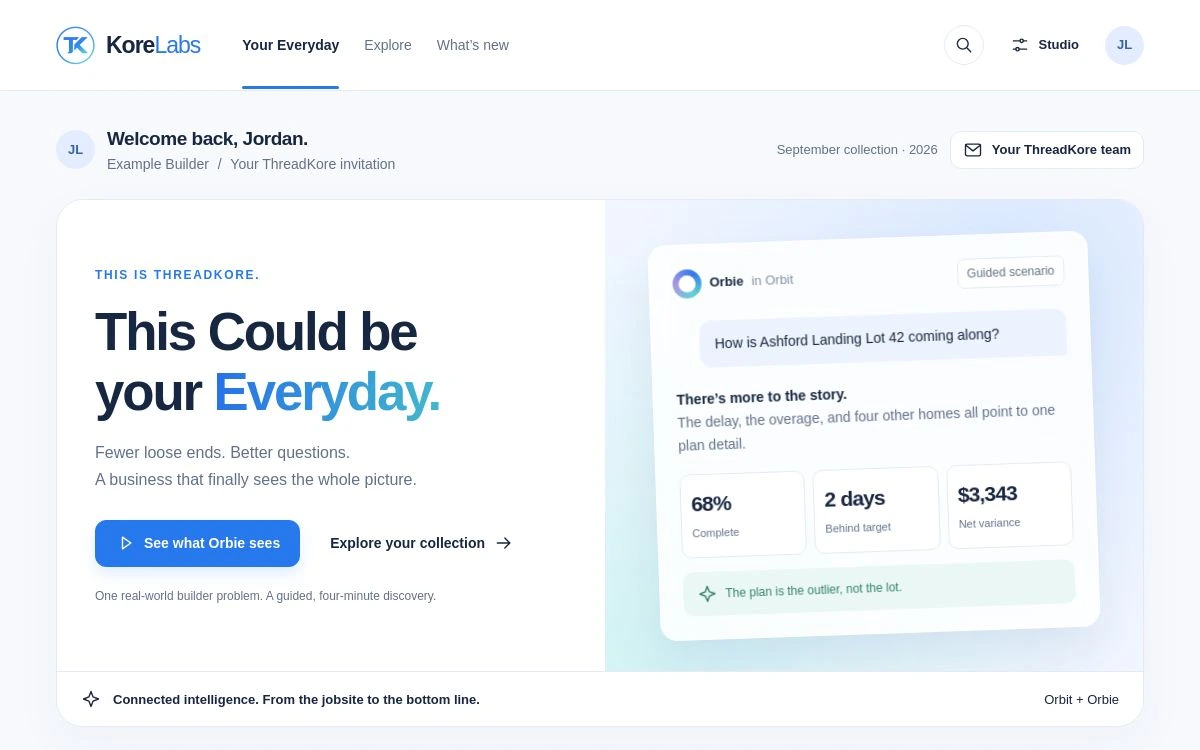
Watch Orbit investigate the scripted Lot 42 example, or explore the original invoice and margin stories.
Choose your role to explore the workflows that matter to you.
Company coverage
Coverage of ThreadKore’s growth, move to Alpharetta, and connected software platform for homebuilders.
Read the articleFounder recognition
ThreadKore’s founder and president recognized among the homebuilding industry’s next-generation leaders.
View the recognitionKORELABS / A LOOK AHEAD
Help shape what comes next.
Explore new ThreadKore experiences, see connected intelligence in action, and bring your perspective to the conversation.
Explore KoreLabsSee why we’re building it—and how you can take part.
A BUILDER’S PERSPECTIVE
“ThreadKore has been instrumental in tightening our cycle time, protecting our margins, and giving us the ability to scale.”
Explore expected profitability, cash needs, or a balance with the people who know your business.